
Sync Cleaning Invoices: Property Workflow (2026)
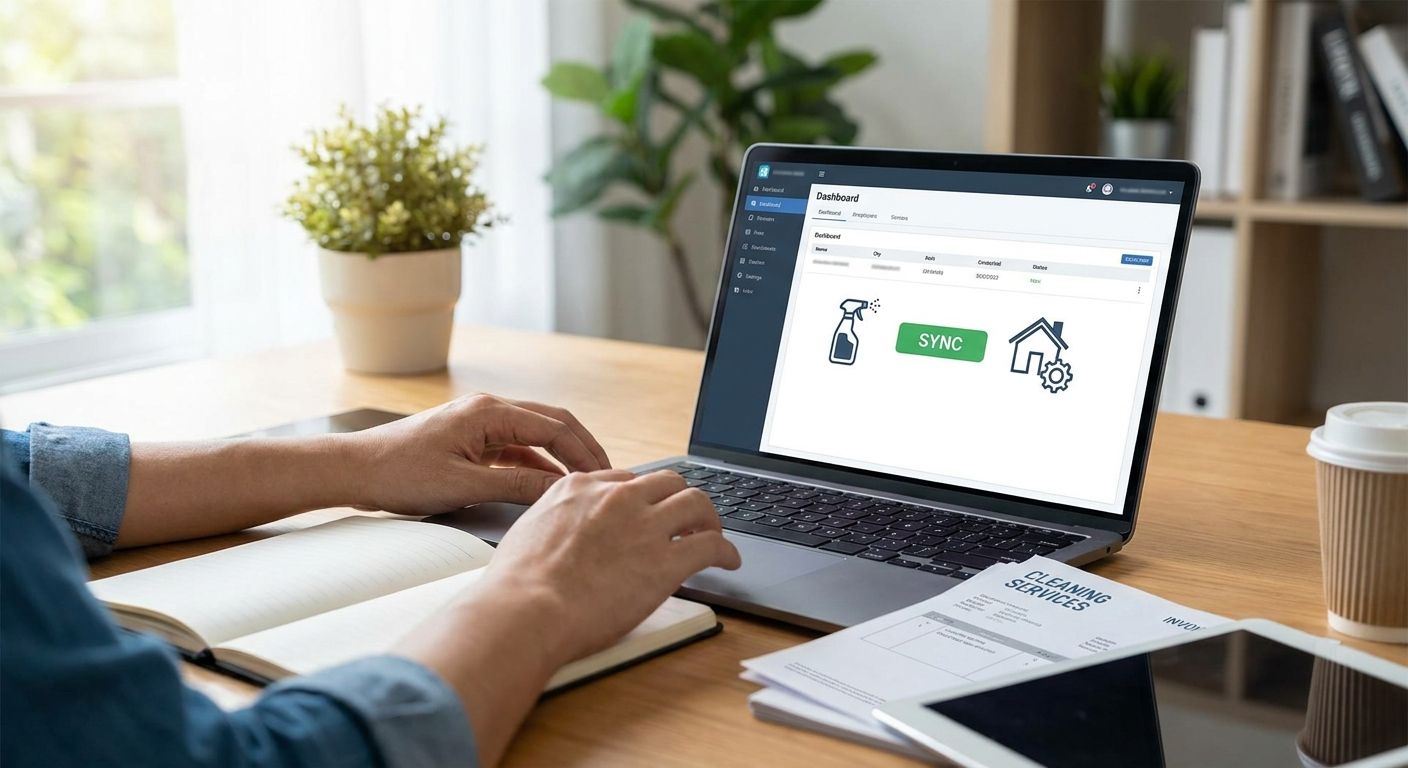
Instead of manually re-keying every janitorial invoice, set one 2026 invoice-control workflow so each bill arrives with the property, service period, contract scope, approval owner, and exception status already defined. The goal is not blind automation; it is faster approval without losing the checks that catch duplicate charges, wrong-site coding, and work outside the agreement.
- Sync cleaning invoices only after vendor, property, GL, and service-period fields use one naming standard.
- Match recurring invoices to the contract and exceptions before approval.
- Route one-off cleaning through a work-order or purchase-order control.
- Hi Shine's HI-Q™ checklist gives property managers a service record to compare with billing.
- Keep disputed lines out of the accounting sync until the vendor resolves them.
Where cleaning invoice workflows break in 2026
Portfolio billing fails when property names, service periods, approvals, and contract references do not use one standard. The result is predictable: charges land on the wrong building, duplicate invoices slip through, and unapproved project work reaches accounts payable without a clear owner.
The workflow should connect three records:
- The signed cleaning agreement or approved work order.
- The service record showing what was scheduled and completed.
- The invoice that accounts payable will post and pay.
Hi Shine's HI-Q™ Quality System creates a checklist record tied to the facility's agreed scope. That gives a property manager a concrete service record to review when an invoice line or missed task is questioned.
Before you start
Gather these records before configuring any sync:
- The vendor's legal name and current tax documentation.
- The current certificate of insurance and renewal date.
- The signed service agreement for each property.
- A property-code list used by facilities and accounting.
- The approved general-ledger code for routine janitorial service.
- Separate codes for periodic, emergency, supply, or project work where needed.
- The approval owner and backup approver for each property.
The gotcha: invoice automation fails when the vendor's site names do not match the portfolio's property codes. Create one crosswalk before the first import. Do not rely on people remembering that a street address, building nickname, and accounting code all refer to the same location.
Standardize the vendor and property record
Build one source-of-truth row for the cleaning vendor. Use the legal vendor name consistently, then attach the property codes and contract records that belong to that vendor.
Required vendor fields:
- Legal vendor name.
- Tax identifier status.
- Insurance certificate status and renewal date.
- Payment terms from the signed agreement.
- Default GL code for recurring janitorial service.
- Approved property codes.
- Primary facility contact and accounting contact.
- Contract start, renewal, and notice dates.
Required property fields:
- Property code.
- Site name used on vendor invoices.
- Service frequency.
- Recurring contract amount or approved billing method.
- On-site approver.
- Backup approver.
- Exception threshold or second-approval rule.
Expected result: one vendor record connects every covered property to the correct contract, coding rule, and approval owner in 2026.
Define the invoice data contract
Give the cleaning vendor a required invoice format instead of correcting inconsistent bills after they arrive. The invoice can be a PDF, portal submission, or structured import, but the same fields should appear every time.
Require:
- Unique invoice number.
- Vendor legal name.
- Property code.
- Service address.
- Service period start and end dates.
- Charge type: recurring, periodic, emergency, supply, or project.
- Contract, work-order, or purchase-order reference.
- Line description tied to the approved scope.
- Amount for each line.
- Credits or adjustments shown separately.
For a multi-property invoice, require one line per property. A single portfolio total forces accounts payable to split the bill manually and makes later dispute research harder.
Expected result: every incoming invoice contains enough information to route, match, post, and audit without re-keying the business meaning of the charge.
Separate recurring service from one-off work
Recurring janitorial service and one-off projects should not use the same approval path.
Recurring janitorial invoices
Match the bill to the active agreement and the expected service period. Flag the invoice if:
- The property code is missing or invalid.
- The service period overlaps a paid invoice.
- The recurring line differs from the contract record.
- A credit from a prior issue is missing.
- The contract is expired or under amendment.
Periodic and project invoices
Require an approved work order or purchase order before service begins. The reference should identify the property, scope, approval owner, and agreed billing method.
Typical project controls cover:
- Floor care.
- Carpet cleaning.
- Window cleaning.
- Post-construction cleanup.
- Move-in or move-out work.
- Emergency response.
Expected result: predictable recurring service can move quickly, while variable work cannot bypass scope and approval controls.
Build a three-way invoice match
Use a three-way match before an invoice reaches final approval:
| Record | What it proves | What to flag |
|---|---|---|
| Agreement or work order | The work was authorized | Missing scope, expired terms, or unapproved add-on |
| Service record | The scheduled work was completed or an exception was logged | Missed task, blocked access, or unresolved correction |
| Invoice | The vendor billed the correct property and period | Duplicate number, wrong code, or mismatched line |
The service record should not be used to invent deductions. It should tell the reviewer whether a documented exception, credit, or unresolved dispute needs attention before payment.
For Hi Shine clients, the HI-Q™ checklist supports that middle record. The facility still owns the accounting decision and the rules for credits, holds, and approvals.
Expected result: an invoice cannot clear only because its total looks familiar; all three records must align.
Configure approval routing
Route invoices by property and charge type rather than sending every bill to one shared queue.
A practical 2026 sequence is:
- The on-site or facility manager confirms the property and service period.
- Accounts payable confirms vendor status, coding, and duplicate controls.
- A portfolio or regional approver reviews exceptions or higher-risk project work.
- The accounting sync posts only after required approvals are complete.
Define a backup approver for absences. Review the approver list when a property changes management so invoices do not stall in an inactive account.
The approval record should show:
- Who reviewed the invoice.
- When it was approved, rejected, or returned.
- Which exception required attention.
- Who resolved the exception.
- Whether a credit or corrected invoice replaced the original.
Expected result: every approved invoice has a visible owner and an audit trail in 2026.
Connect the accounting sync safely
Do not enable automatic posting for every vendor invoice on day one. Run a controlled test first.
- Use one representative recurring invoice.
- Confirm the vendor, property, GL code, service period, and amount.
- Complete the three-way match.
- Send the approved invoice through the accounting connection.
- Verify the posted record in the accounting ledger.
- Confirm the invoice cannot import a second time under the same number.
- Test a rejected invoice and confirm it does not post.
After the first test passes, run a second test for one-off work because that path uses a work-order or purchase-order reference.
Expected result: approved invoices post once to the correct property and code; exceptions remain outside the ledger until resolved.
Handle exceptions without breaking the workflow
Automation should stop on uncertainty rather than forcing every invoice through.
The property code does not match
Return the invoice for correction. Do not choose a property based only on the address or an old building nickname.
The service period overlaps a paid invoice
Hold the new bill and compare invoice numbers, periods, credits, and amendments. Treat overlap as a duplicate risk until confirmed otherwise.
A project line has no authorization reference
Route it back to the facility manager and vendor. Do not convert an email request into approval after the invoice arrives.
The checklist shows a blocked or missed task
Confirm whether the issue was corrected, credited, or still disputed. Keep the invoice visible but prevent final posting until the facility's rule is satisfied.
The approver has left the company
Reassign both the current invoice and the property-level routing rule. Fixing only one bill guarantees the next invoice will stall again.
Use standard exception codes
Create a short exception list so facilities, the vendor, and accounts payable describe the same problem the same way. Useful categories include missing property code, duplicate service period, contract mismatch, unapproved project work, unresolved service issue, inactive approver, missing credit, and expired vendor document. Assign one owner and one next step to each category.
Do not let free-text notes become the only record. Standard codes make repeated failures visible across properties and billing periods, while the attached note preserves the details of the individual invoice.
Expected result: the monthly review can identify which control is failing instead of rereading every invoice comment.
Review the workflow monthly
A 2026 invoice process needs a short control review, not a one-time setup. Check:
- Invoices returned for missing property codes.
- Duplicate or overlapping service periods.
- Project lines without authorization references.
- Invoices waiting on inactive approvers.
- Recurring disputes by property or line type.
- Expiring insurance or contract records.
- Credits promised but not received.
Repeated exceptions point to a broken upstream rule. Fix the naming standard, invoice template, approval ownership, or service record instead of correcting the same bill every month.
FAQ
How do I sync cleaning invoices to property management software?
Standardize the vendor, property, GL, service-period, and authorization fields first. Then route approved invoices through the accounting connection after a three-way match.
What fields should a cleaning invoice include?
Require a unique invoice number, property code, service period, charge type, authorization reference, line description, amount, and separate credits or adjustments.
Should recurring and one-off cleaning invoices use the same workflow?
No. Recurring service should match the active contract, while one-off work should require an approved work-order or purchase-order reference.
How do I prevent duplicate janitorial invoices?
Check the vendor, invoice number, property, and service period before posting. Hold overlapping periods until accounts payable confirms the reason.
What should happen when cleaning work is disputed?
Keep the invoice out of final posting until the service record, correction status, and any credit are resolved under the facility's policy.
Who should approve commercial cleaning invoices?
The property or facility manager should confirm the service context, and accounts payable should confirm vendor status, coding, and duplicate controls.
How does Hi Shine support invoice review?
Hi Shine uses the HI-Q™ checklist to document work against the facility scope. Property managers also have 24/7 owner access when a service issue needs escalation.
One last thing
Do not measure success by how many invoices post without human review. Measure whether the workflow sends routine bills through quickly and stops the exact invoices that need a decision. That is the difference between automation and an error moving faster in 2026.